



Native-level visual quality, with high frame rates and low latency for a smooth experience.

Massive high-speed nodes | Stable and continuously available | One-click quick start
We have more than 10,000 nodes in 184 countries and regions, as well as globally optimized high-speed lines

A global high-speed network built for streaming, with fast video channels that unlock global content—zero buffering from now on.
Download now →Esports-grade network optimization that eliminates high ping for a silky-smooth gaming experience.
Native-level visual quality, with high frame rates and low latency for a smooth experience.
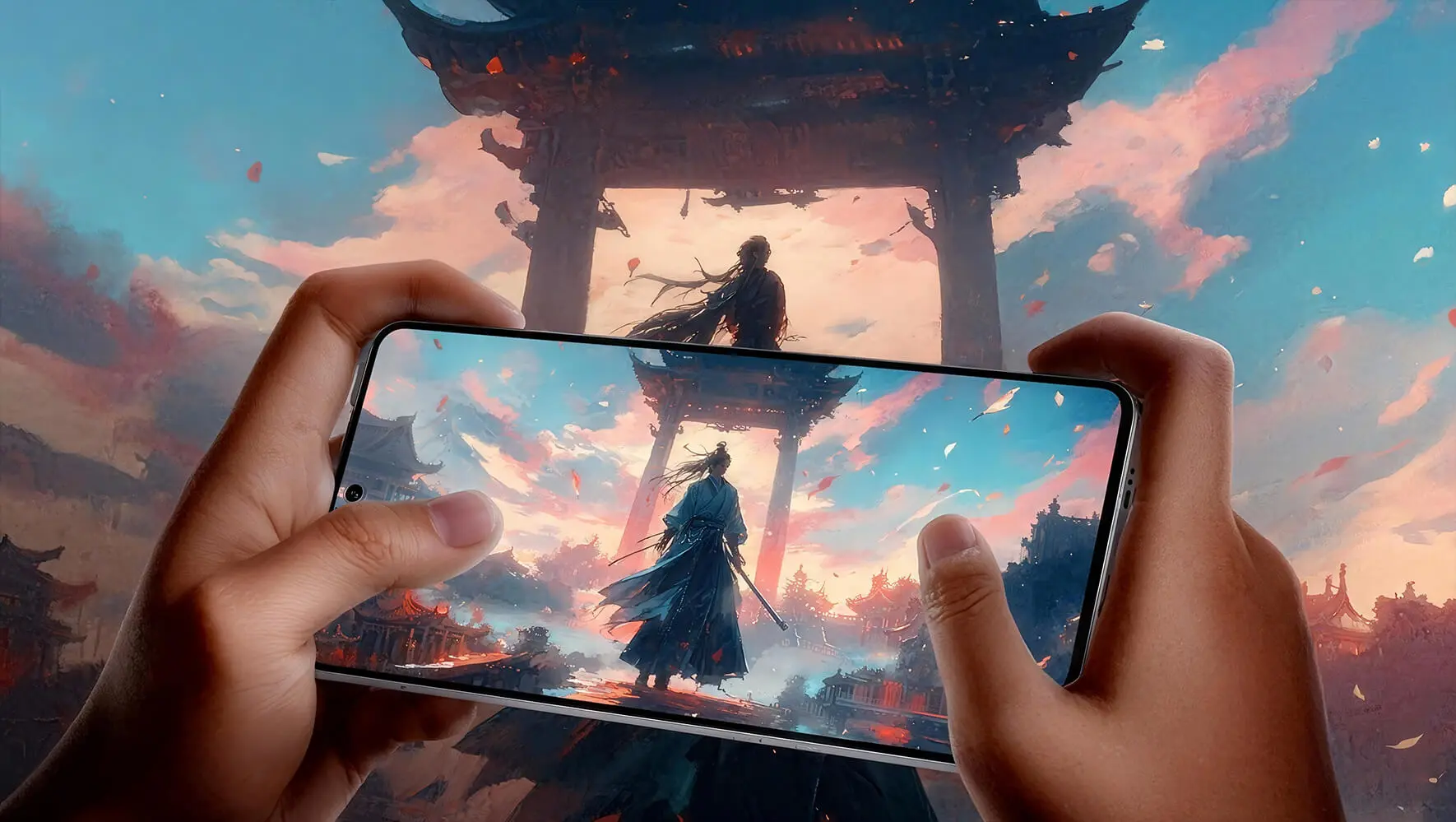
Balancing higher visual quality, higher frame rates, and a stable connection experience.
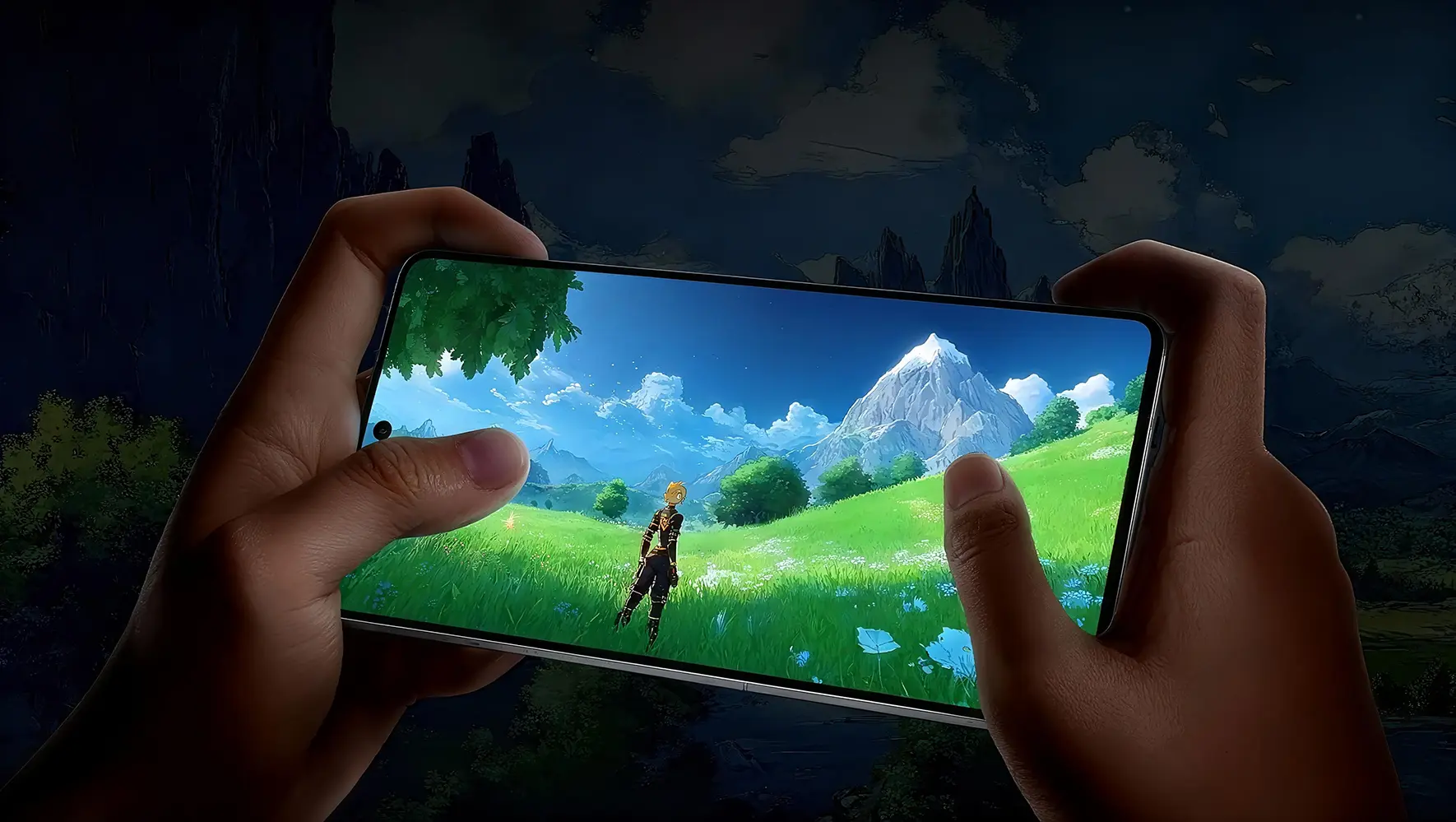
Lasting smoothness, refined stability, and adaptability across different gaming platforms.
Smart connection, device switching, and privacy settings put your most-used features at a glance.

Choose the most suitable connection method based on the current environment, reducing repeated setup.

Covers common device platforms such as computers, phones, and tablets.

Protects your everyday connection process with clear security mechanisms.

Focuses on common steps so new users can get started quickly.

Provides a continuous, clear experience across different network environments.
Get started quickly with intelligent route selection and one-click connection; when you need to switch devices, simply choose the corresponding client.
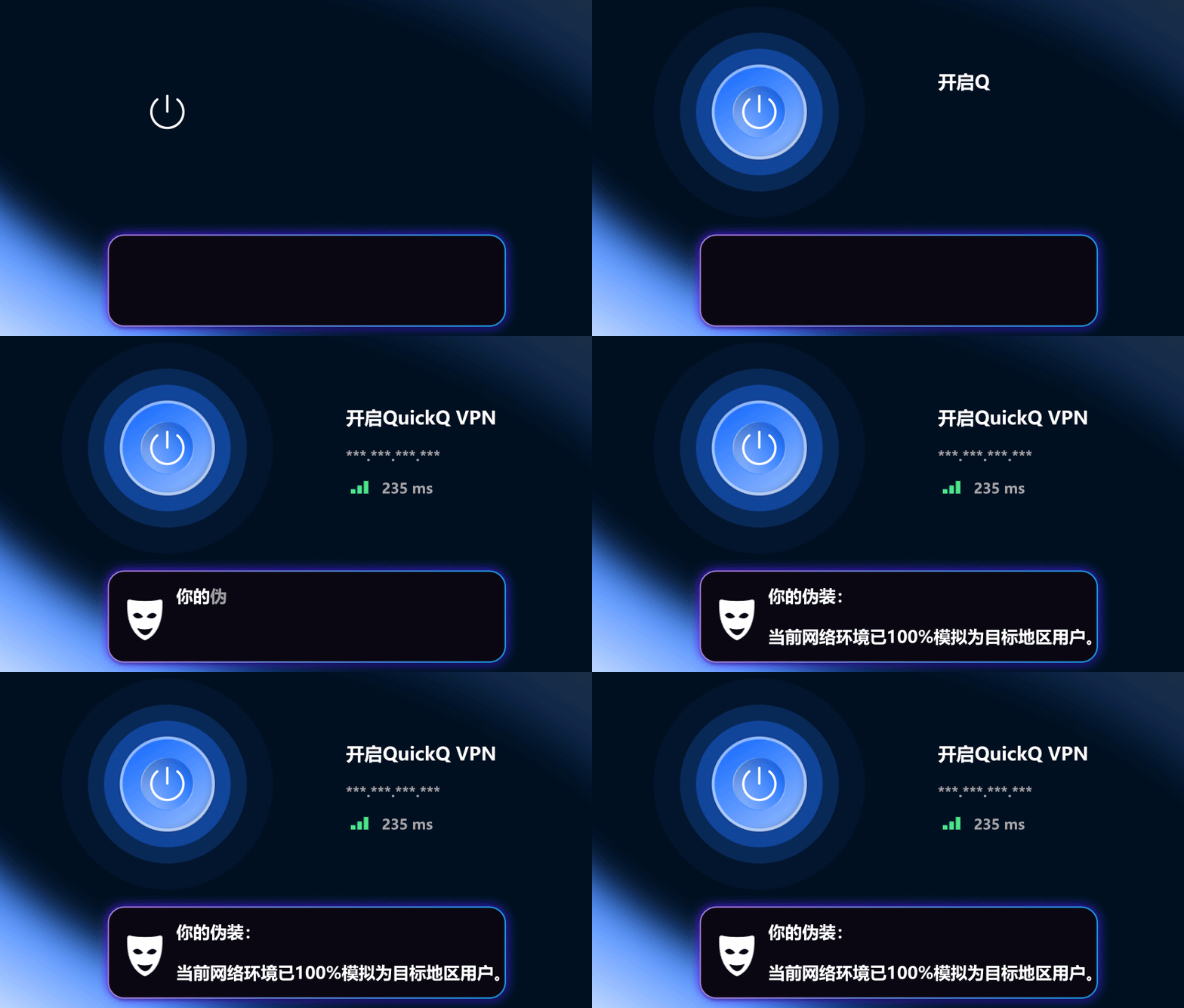
Enjoy a familiar connection experience on computers, phones, and tablets by selecting the client that matches your device's system.
Common questions about device selection, downloading, installation, and getting started.
Supports common platforms including Windows, Android, iOS, macOS, and Linux. Please choose the version that fits your device.
Open the downloaded installer and follow the wizard. On mobile devices, install according to the system prompts.
Open the client, complete the initial setup as prompted by the app, select a server, and you can connect.
Go to the download center on this site and select the version that matches your current device system.
Go to the download center and choose the client and installation entry based on your device system.
Open Download CenterCovers common questions about daily connections, content access, and post-installation issues, with usage tips for QuickQ VPN on phones, computers, and tablets. The following content is provided only to help you get started faster and does not involve account pricing or unofficial information.
The same account can be switched between common devices, making it suitable for alternating between phone, laptop, and tablet.
Prioritize servers with lower latency for a more stable connection when streaming videos or in meetings.
After installation, confirm that system network permissions are enabled to reduce first-time connection failures.
You can first switch to a lower-latency node, or close other applications that are using a lot of bandwidth. If the problem persists, try reconnecting to your current network before turning on QuickQ VPN again.
The QuickQ VPN client is available for common phones, computers, and tablets. Please refer to the official download center for specific supported versions, and confirm that your system version meets the requirements before installing.


 Windows
 Android
 iPhone / iPad
 macOS
 Linux